
WordWolf World Guide
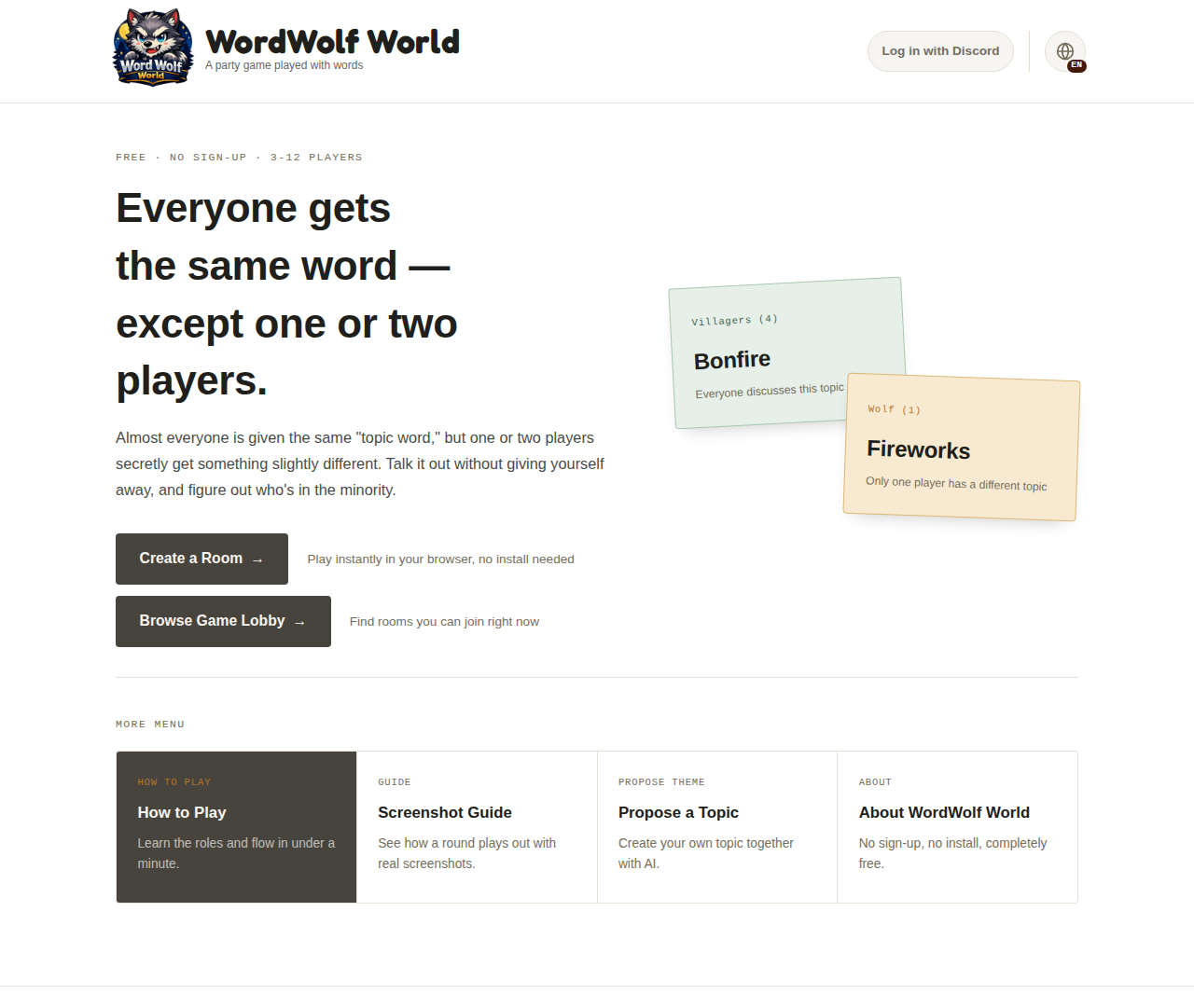
A visual walkthrough with real screenshots, from creating a room all the way to the results screen. If you'd like the basics on roles and rules first, check out How to Play as well.
1. Getting Started
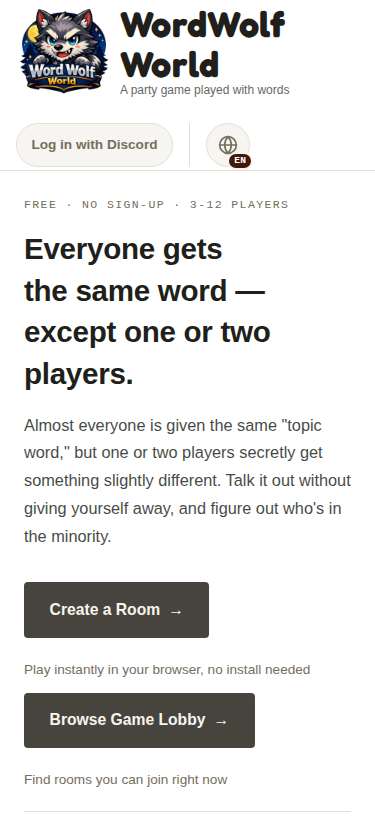
Create a new room from "Create Room" on the home page, or join an existing one using an invite code, QR code, or URL. Just enter your name — no registration or app install needed.
Create a room
Choose your name, room name, player count (3-12), and visibility, then press "Create Room" — your room is ready instantly.
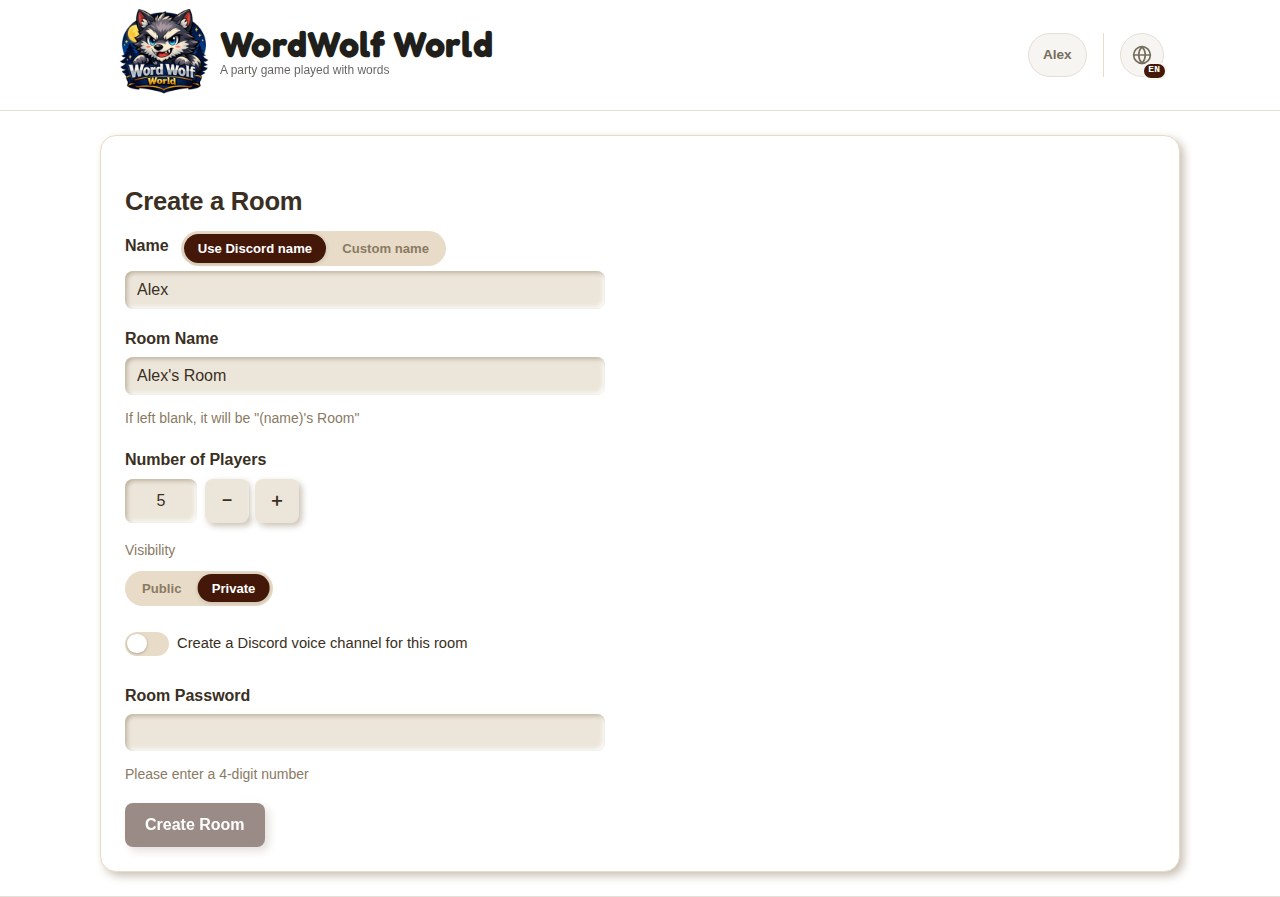
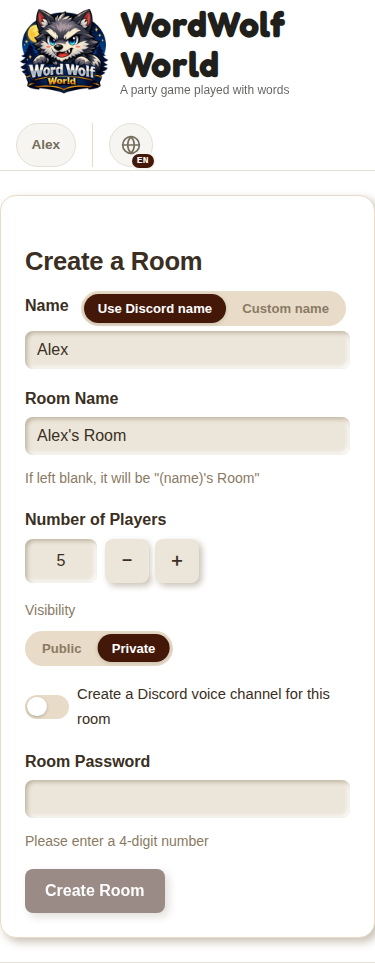
If you use Discord, "Log in with Discord" fills in your display name automatically, and turning on "Create a Discord voice channel for this room" lets you talk over Discord voice in addition to text chat. Both are optional — you can play normally without a Discord account.
Join a room
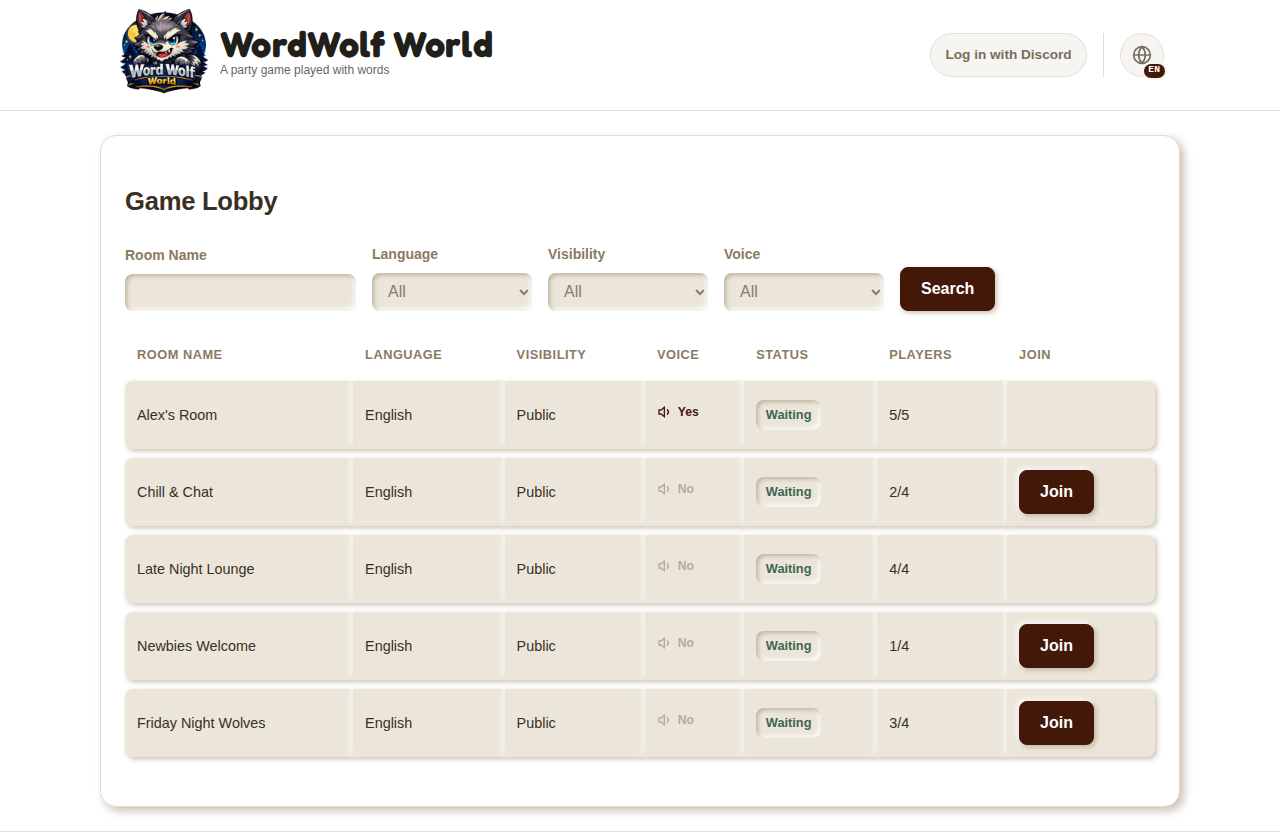
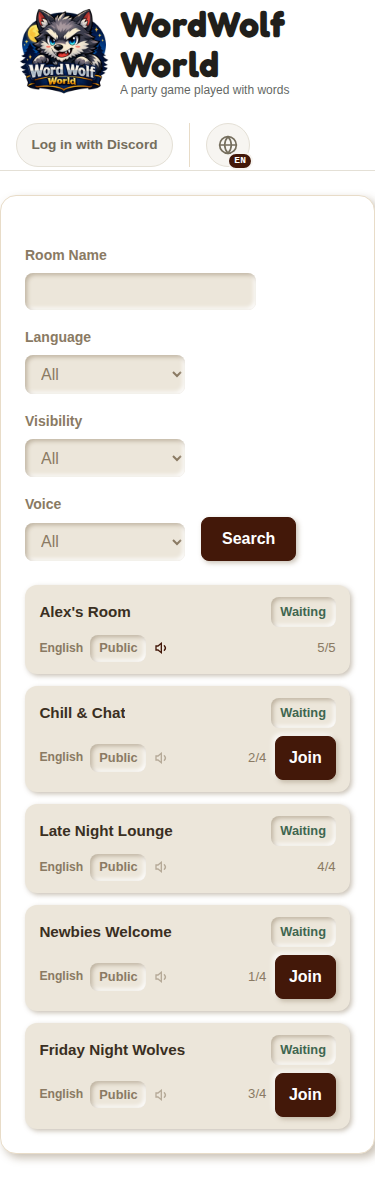
If you received an invite code, QR code, or URL directly, you can join the room right away, public or private. If you don't have a specific room to join, check "View Game Lobby" for a list (only public rooms are shown there). You can filter by room name, language, and visibility, then join with the "Join" button.
2. Setting Up Rules in the Waiting Lobby
Once you're in a room, you'll see the waiting lobby. Invite friends with the invite code or QR code while the host adjusts the settings below. When everyone's ready, the host presses "Start Game."
- Rule
- Choose "Normal" or "With Fox." With Fox adds a third role — the Fox — who has a topic word different from both Villagers and Wolf. The Fox wins alone by surviving without being voted out, or by guessing both other words correctly after being voted out. With Fox can only be selected with 5 or more players.
- Talk Category
- Choose the general subject you'll be talking about (multiple selection allowed). Leave it unselected for a random category.
- Talk Subcategory
- A more specific filter, shown only when exactly one talk category is selected (optional).
- Discussion Time
- Set how long each round's discussion lasts, from 30 to 600 seconds (default 180 seconds).
- Player Count
- You can adjust the room's capacity later. It can't be set below the number of players already in the room.
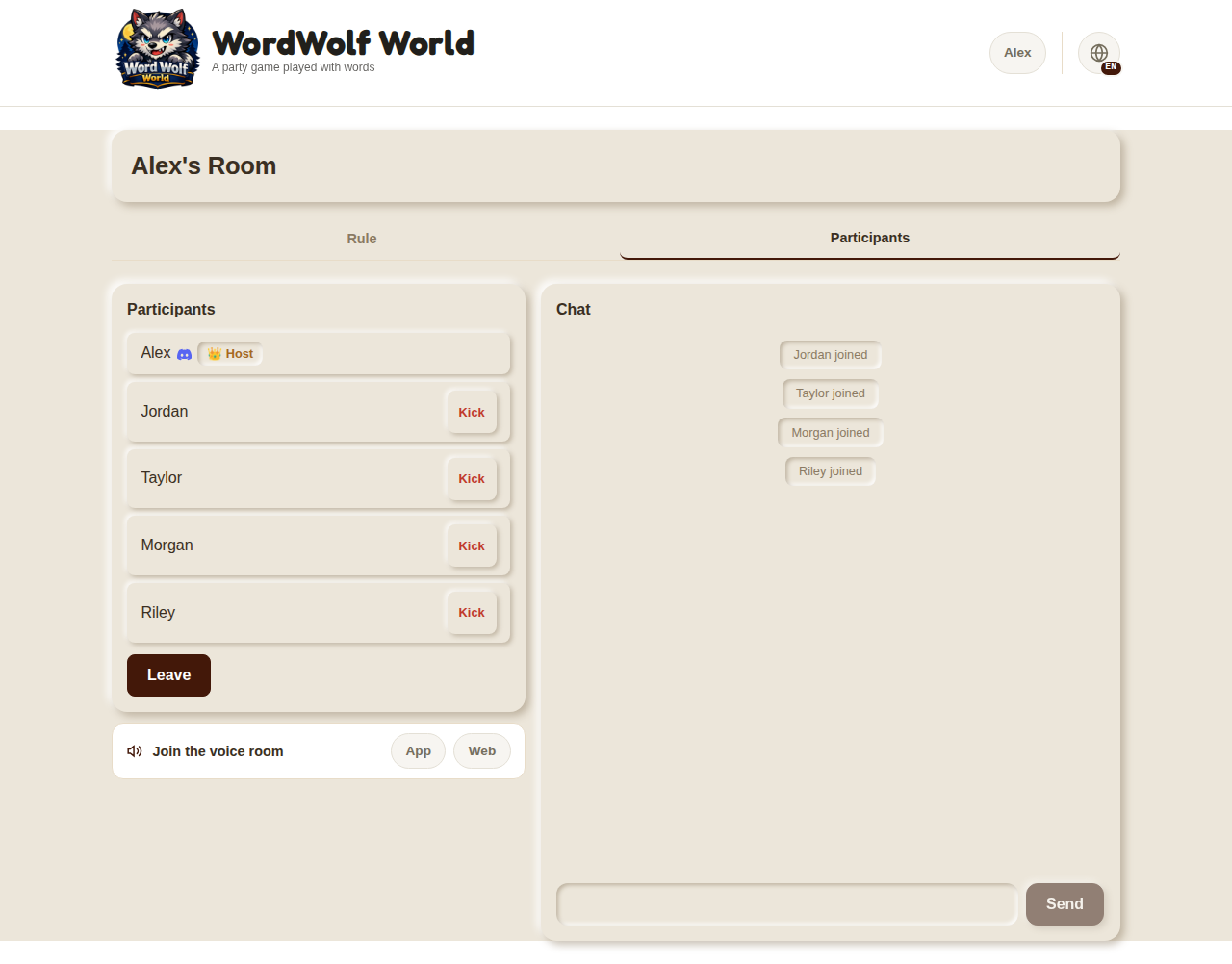
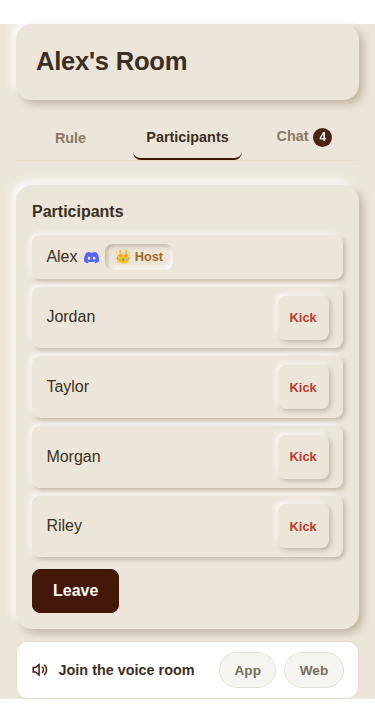
In rooms with a Discord voice channel, a "Join Voice Room" button appears in the waiting lobby (for participants logged in with Discord only). Join from "App" or "Web" to talk over voice in addition to text chat.
- Chat isn't limited to the waiting lobby — you can use it anytime during discussion, voting, and results too.
- The host can remove (kick) other participants from the room via the participant list.
3. Discussion Time
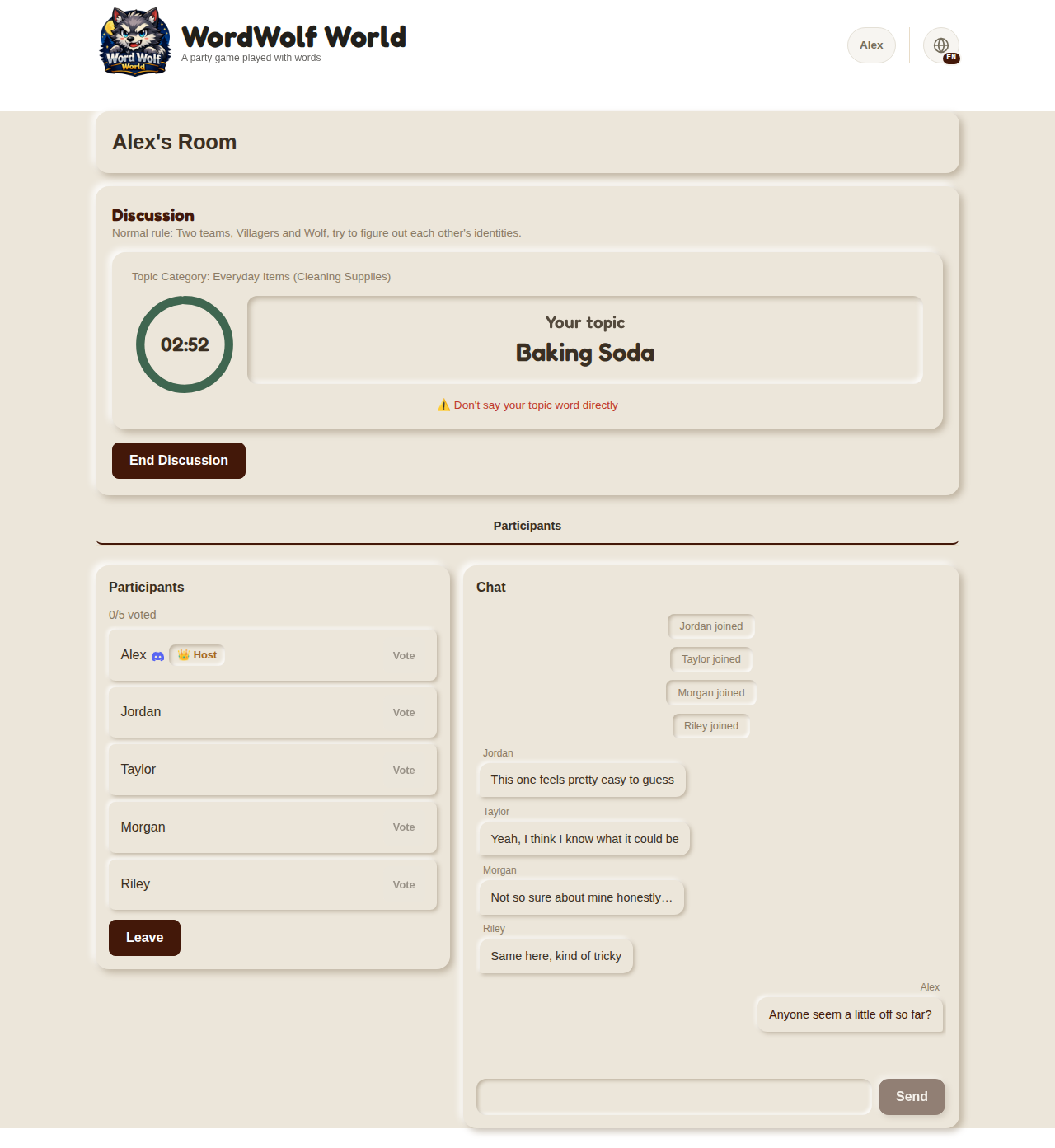
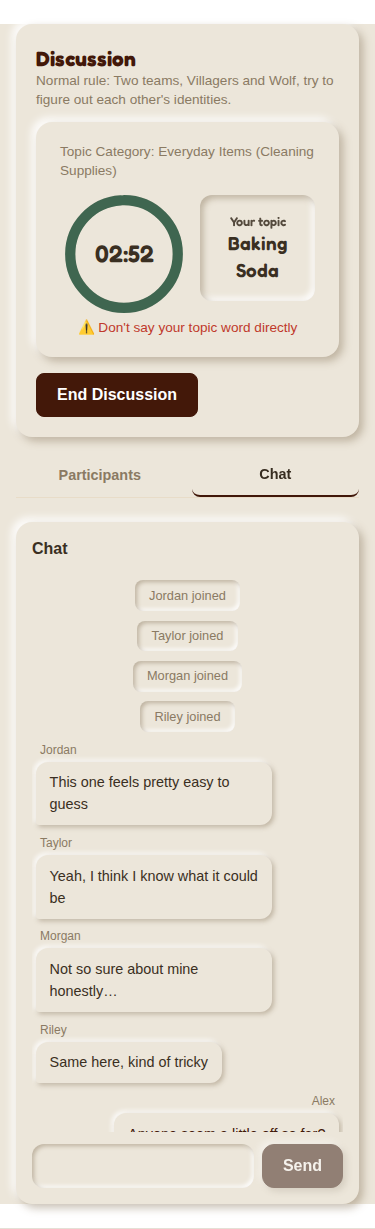
Once the game starts, you'll see your own topic word. Your role (Villager, Wolf, or Fox) isn't shown, so figure out your position from the word itself. Talk about the topic during the time limit to find out who's in the minority. The host can press "End Discussion" at any time to move to voting early, without waiting for time to run out.
⚠️ The one and only rule: never say your topic word directly. Look for hints in its features and related talk, not the word itself.
4. Voting
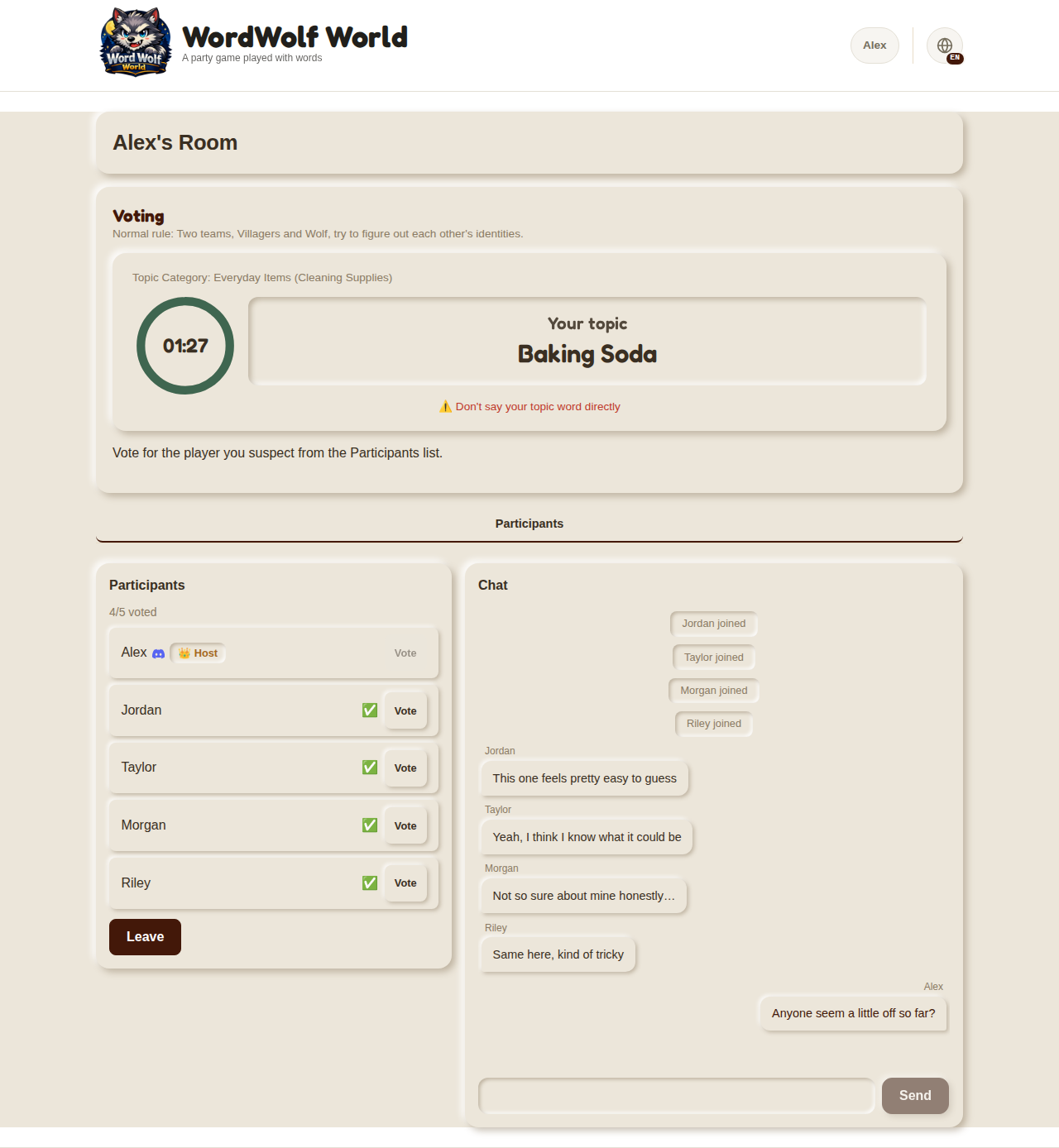
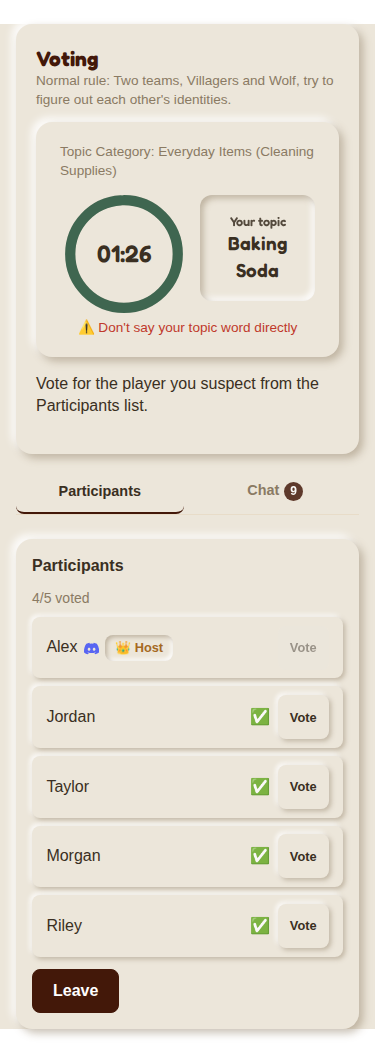
When time's up, voting begins. Vote for whoever in the participant list you think is the Wolf (you can't vote for yourself). Once everyone has voted, or time runs out, results are shown automatically. In case of a tie, only the tied players vote again.
5. Results
The identity of the player with the most votes and everyone's topic words are revealed. The winner is decided by who was voted out, shown at a glance with a color-coded banner for each side.
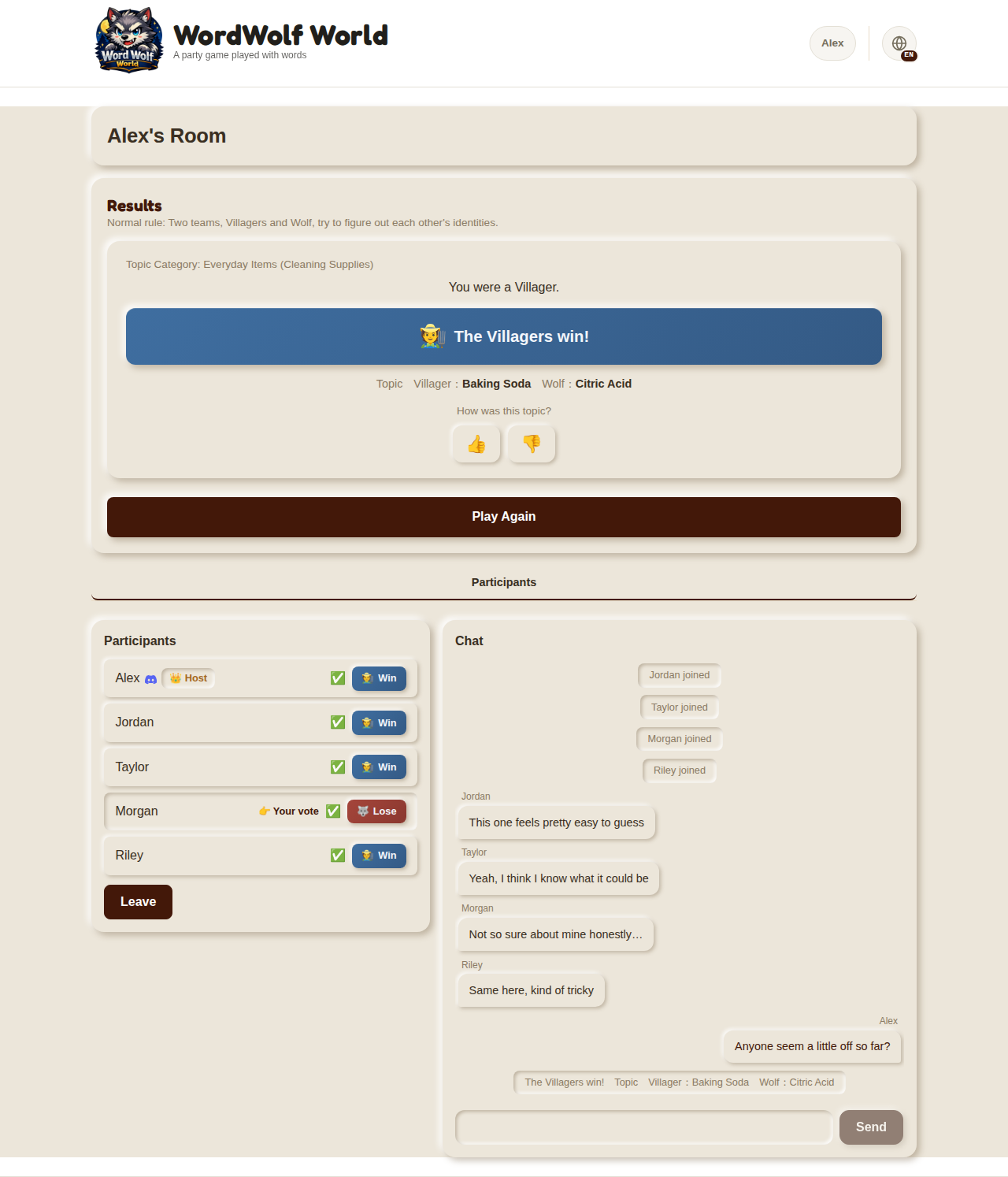
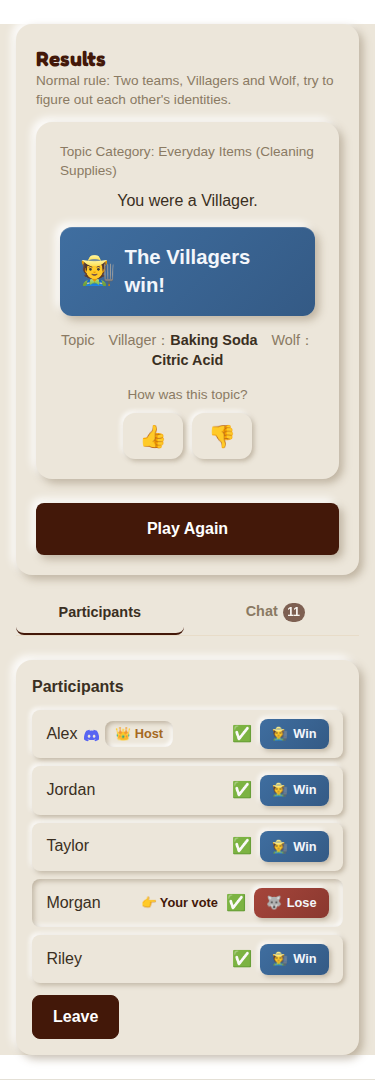
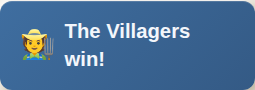
Most votes went to the Wolf: Villagers win

Most votes went to a Villager: Wolf wins
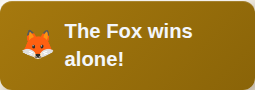
Most votes went to the Fox, and they guessed correctly: Fox wins alone
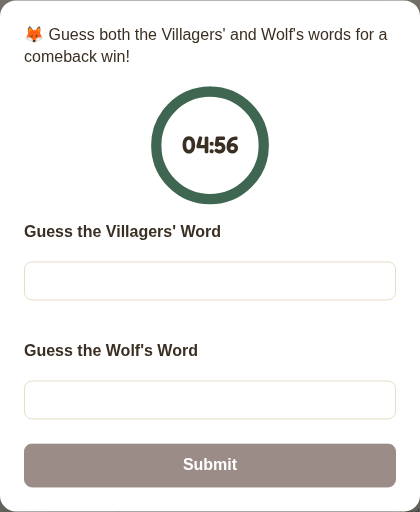
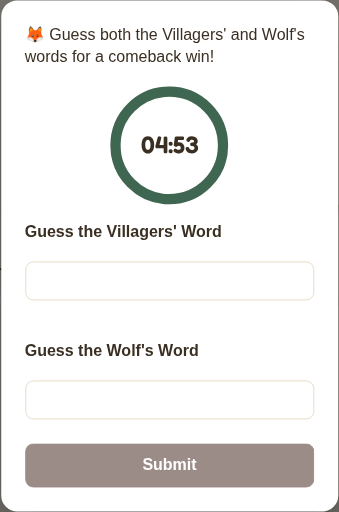
If the Fox was voted out, they get one last chance to guess both the Villagers' and Wolf's words. Guessing both correctly means a comeback win for the Fox; missing either means the Wolf wins.
6. Playing Again
When the host selects "Play Again" on the results screen, a new round starts right away with a new topic word. The room stays the same, so there's no need to hand out a new invite code.
- Play with 3-12 players. If fewer people show up than planned, you can adjust the player count later from the waiting lobby.
- Play together in the same room, or share the URL to play online. Everything is run automatically by the system, so no game master is needed.
- We recommend starting with a discussion time of around 3 minutes, then extending it once everyone gets the hang of it. The host can change the time anytime from the waiting lobby.